
Arena Breakout Infinite World Visuals
World Visual Options
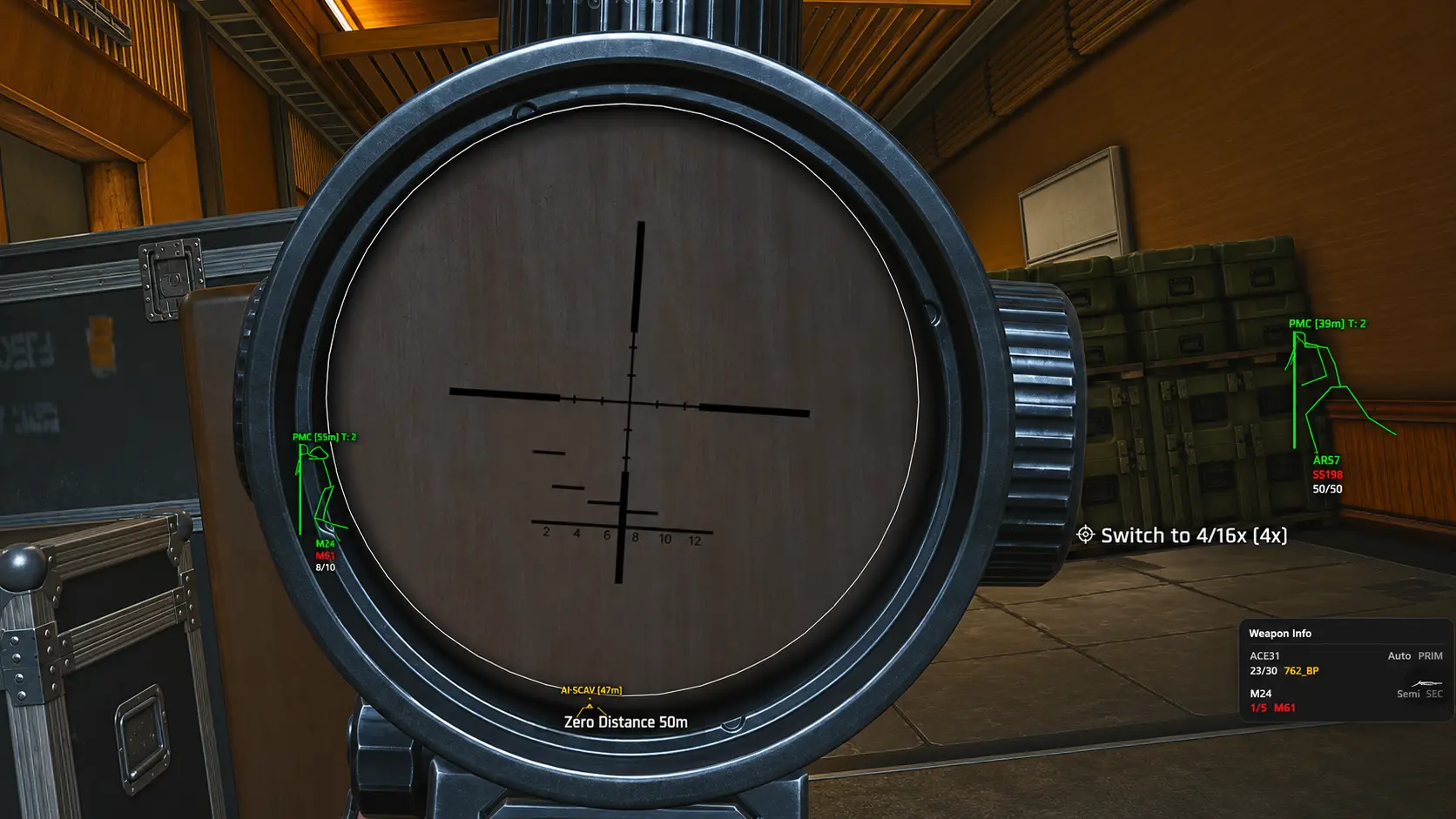
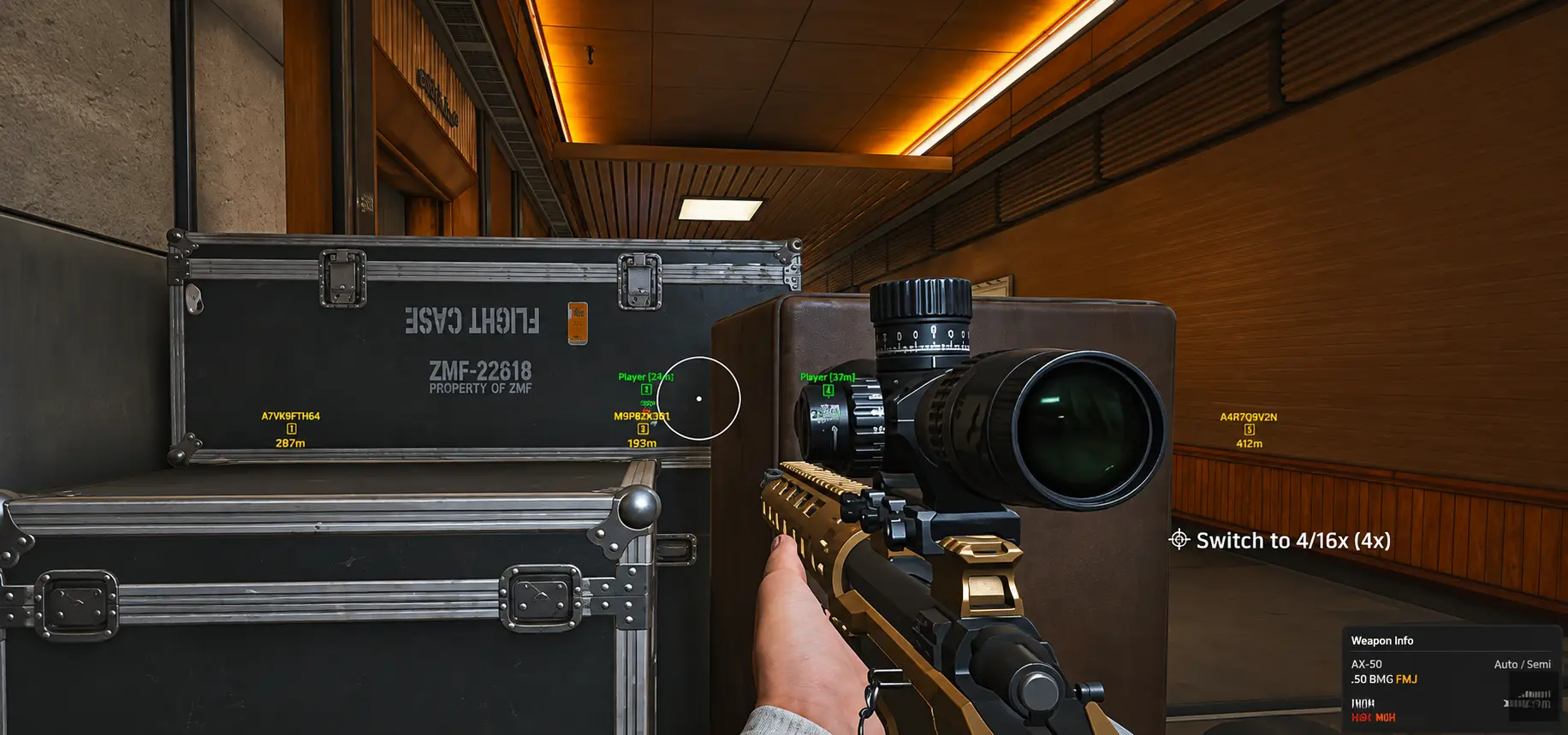
Five world overlay settings: Enable Player Corpse ESP, Enable AI Corpse ESP, Price, Max Distance, and Minimum Price. Filters corpse markers by distance and value — it does not spawn loot or change in-game item prices.
- Player and AI corpse toggles separate human versus AI loot opportunities.
- Max Distance reduces clutter on large maps.
- Minimum Price hides low-value corpses so you focus on profitable extracts.
Listed modules
- Enable Player Corpse ESP
- Highlights player corpses on the map overlay.
- Enable AI Corpse ESP
- Highlights AI corpses for looting decisions.
- Price
- Shows price-related information on corpse markers where supported.
- Max Distance
- Limits how far corpse ESP draws markers.
- Minimum Price
- Hides corpse markers below a configured value threshold.
Related articles
World
6 min read
Enable Player Corpse ESP and looting routes.
World
6 min read
Enable AI Corpse ESP for PvE looting.
World
6 min read
Max Distance and Minimum Price corpse filters.